Only Up Obby: Tower Climb
About Only Up Obby: Tower Climb
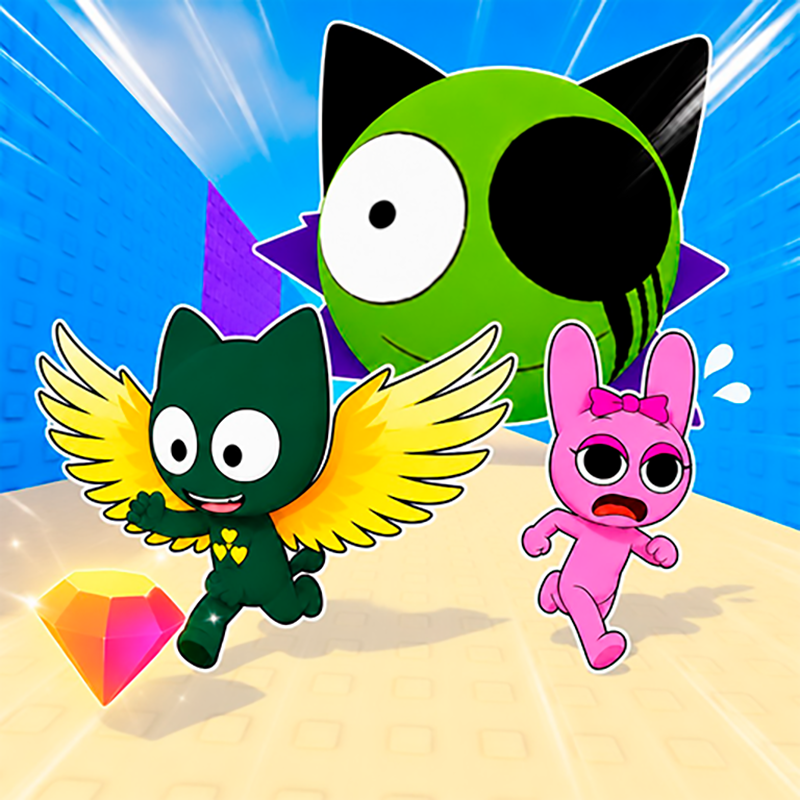
Only Up Obby: Tower Climb is a 3D platformer where players tackle a towering obstacle course made up of 30 challenging levels. The goal is to climb as high as possible by running, jumping, and carefully navigating a variety of traps such as moving and vanishing platforms, spinning blades, crushers, and swinging hammers. Falling causes you to lose height, so precise timing and control are essential. To aid progress, you can perform double jumps and use springs and rings to launch upward. Along the way, players collect coins and diamonds which unlock over 30 different character skins including animals like frogs, cats, and capybaras, adding a fun customization element. A training area allows practice of each obstacle before attempting the full climb. The game supports both desktop and mobile devices with tailored controls, ensuring accessibility across platforms. Performance is tracked on an online leaderboard where you can see how far you rank compared to others. This combination of skill-based parkour and progression through increasingly difficult stages offers a rewarding challenge for fans of obstacle and platform games.
How to Play
Goal: climb as high as you can. Reach the flag at the top of each level to unlock the next one. There are 30 levels; finish them all to complete the tower. If you fall, you lose height, so land every jump.
How to play
- Move across platforms and avoid traps: spinning blades, crushers, pistons, vanishing and moving platforms, conveyors and wind.
- Use springs and rings to launch yourself up. Timing is everything.
- You can jump twice in the air (double jump) to fix a short jump.
- Collect coins and diamonds: buy skins in the shop, or skip a level that is too hard.
- Set your best height and compete in the online leaderboard.
- Start in the Training Hall to try every obstacle safely.
Controls (desktop)
- WASD / Arrow keys: move
- Mouse: look around
- Space: jump (press again in the air for a double jump)
- Shift: run
- Pause button (top left): pause and settings
Controls (mobile)
- Left side of the screen: floating joystick (push further to run)
- Right side of the screen: swipe to rotate the camera
- JUMP button: jump (tap twice for a double jump)
- RUN button: auto-run on/off
Popular Games
Discover more games to play next.