Obby Up: Parkour Run
About Obby Up: Parkour Run
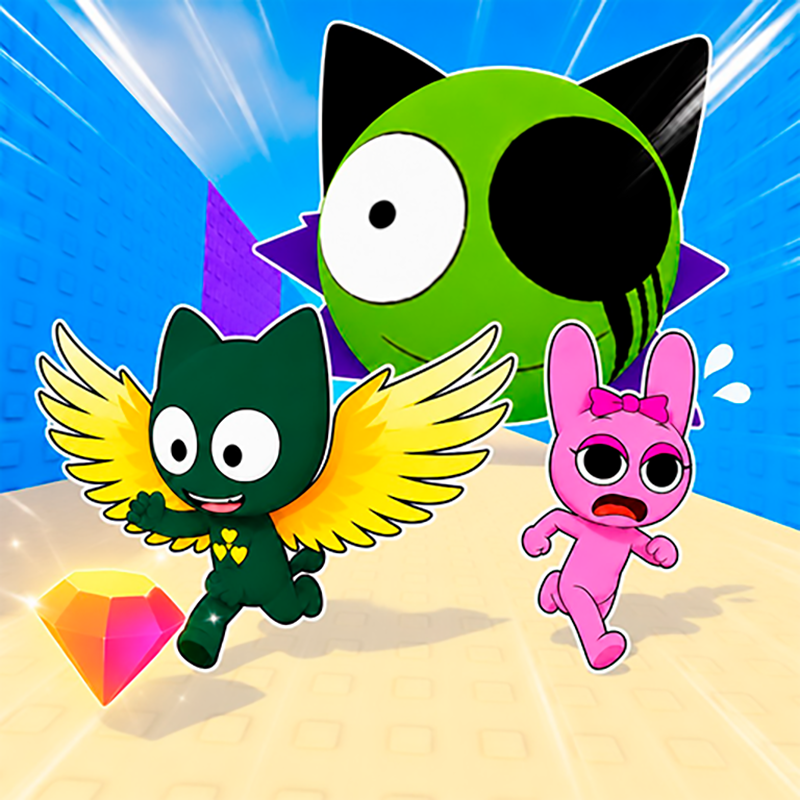
Obby Up: Parkour Run invites players into a vibrant 3D environment where navigating an obstacle course requires both agility and strategy. The game’s unique mechanic allows you to change your character’s size on the fly, shrinking to slip through narrow gaps or growing to overcome larger barriers. As you progress upward through increasingly challenging platforms, timing your jumps and selecting the best path become essential skills. Checkpoints help mark your progress, so falling doesn’t mean starting over completely. Along the way, you can collect coins and explore optional side challenges that add variety to the main run. Customization options let you personalize your runner with different outfits and companions, though these do not affect gameplay mechanics. The controls are designed to suit both desktop and mobile players, with intuitive movement, jumping, and camera handling. Overall, Obby Up: Parkour Run offers a colorful and engaging parkour experience that combines classic platforming with a twist of size manipulation, making each run dynamic and entertaining.
How to Play
Reach the top of the obstacle course by crossing platforms and avoiding traps. Activate checkpoints to save your progress, and use the size slider to shrink or grow when the route demands it. Collect coins along the way and explore side challenges. If you fall, return to a checkpoint and try again. Optional rewarded videos can unlock extra boosters, pets, and outfits.
Desktop controls
- WASD or arrow keys: move.
- Space: jump; press again in the air when double jump is available.
- Click and drag the camera area: look around.
- Drag the size slider: shrink or grow.
- E or the on-screen hammer button: strike when the hammer is equipped.
- Escape: pause or resume.
- Use the on-screen buttons to activate boosters and open settings.
Mobile controls
- Drag the left joystick to move.
- Swipe the camera area to look around.
- Tap the jump or hammer button for the current action.
- Drag the size slider to shrink or grow.
- Use the settings button to control music and sound effects.
Play in landscape orientation. Purchases are optional and are offered only when the platform supports them.
Popular Games
Discover more games to play next.